1 · Select the messages, and freeze them
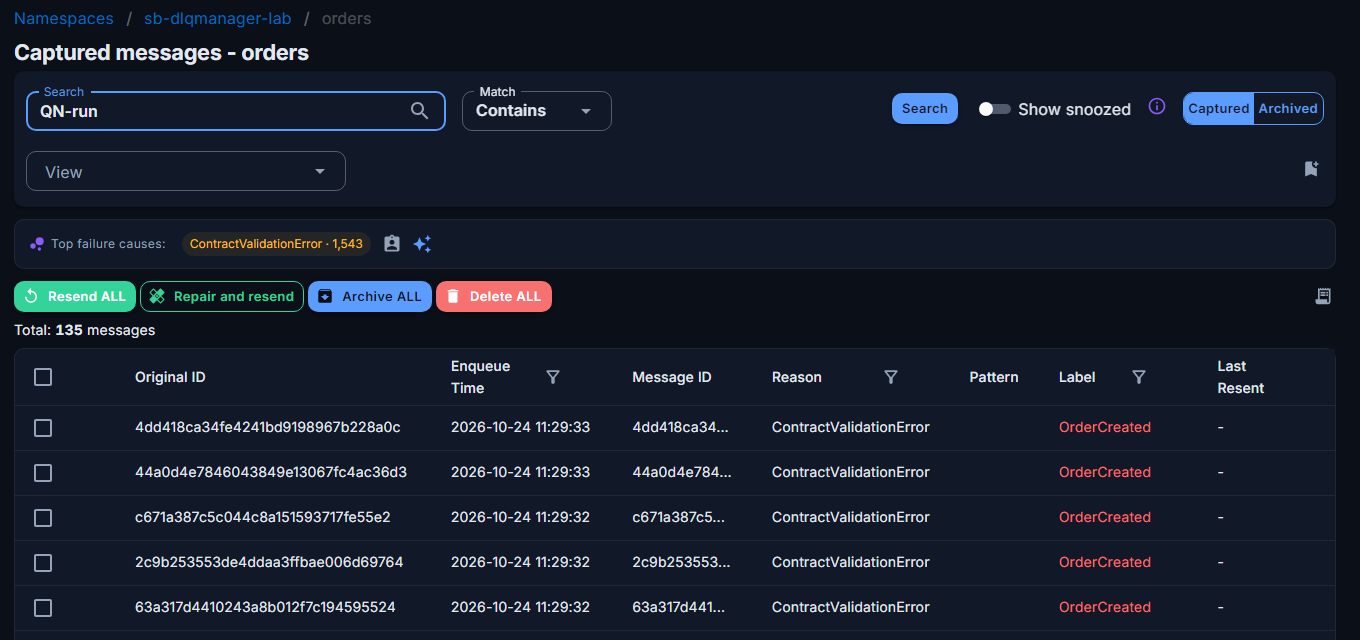
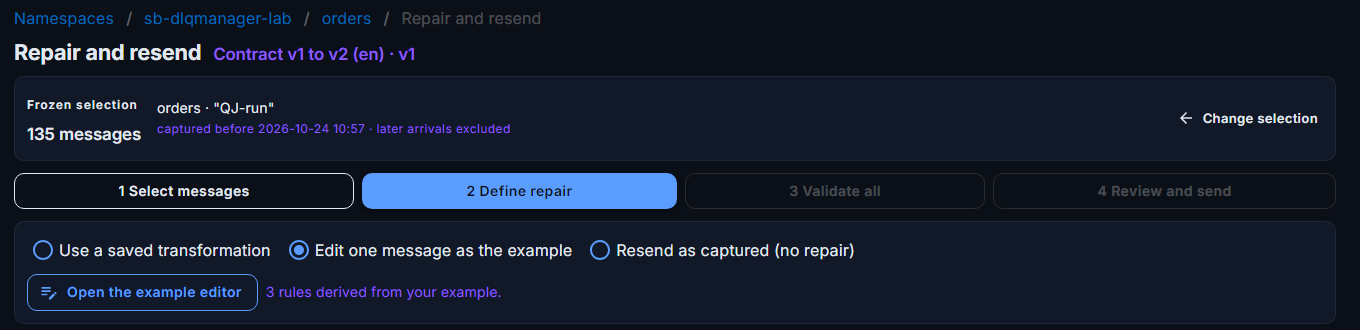
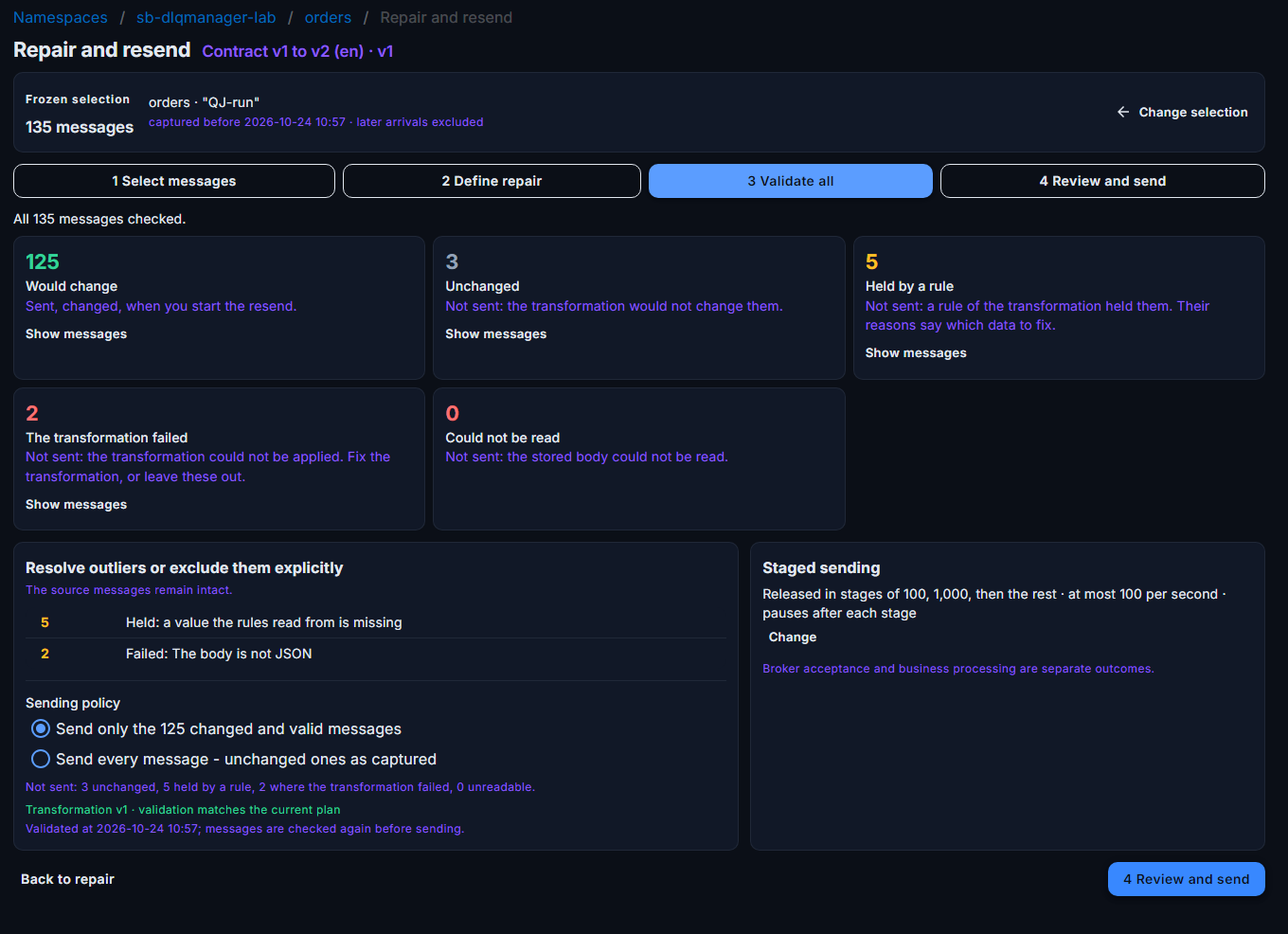
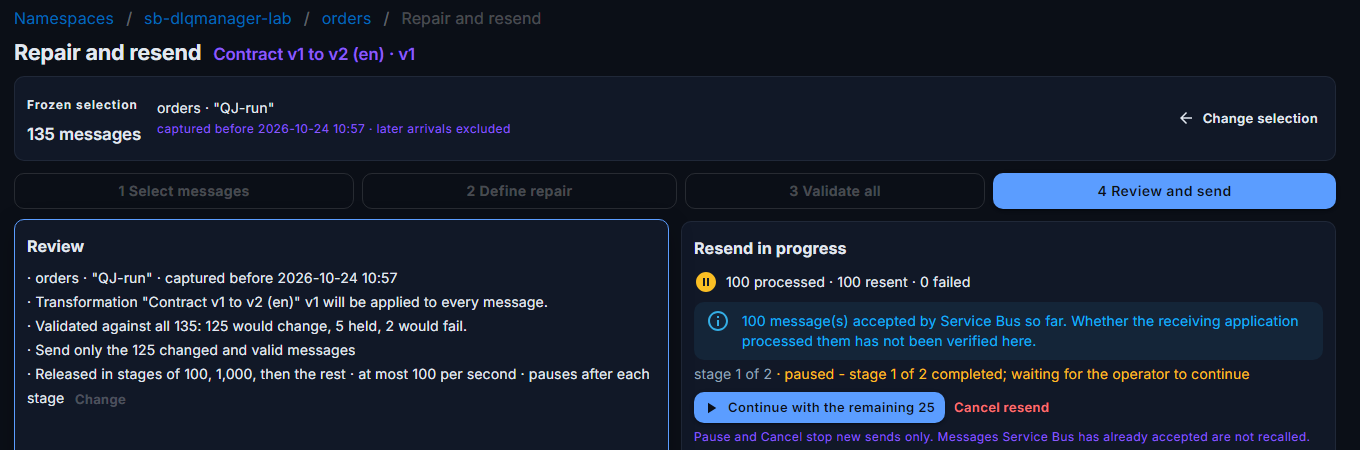
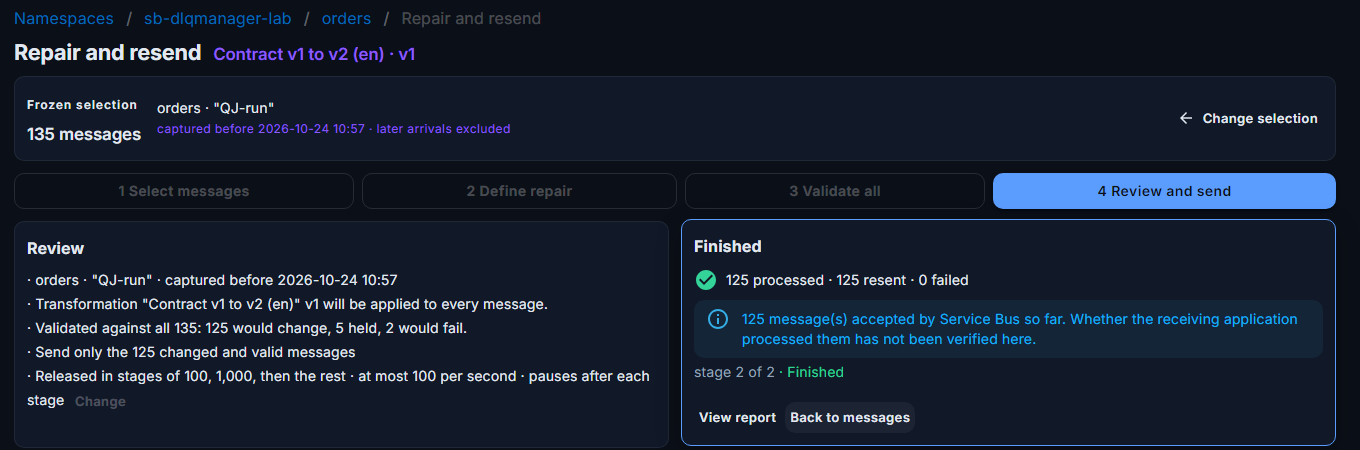
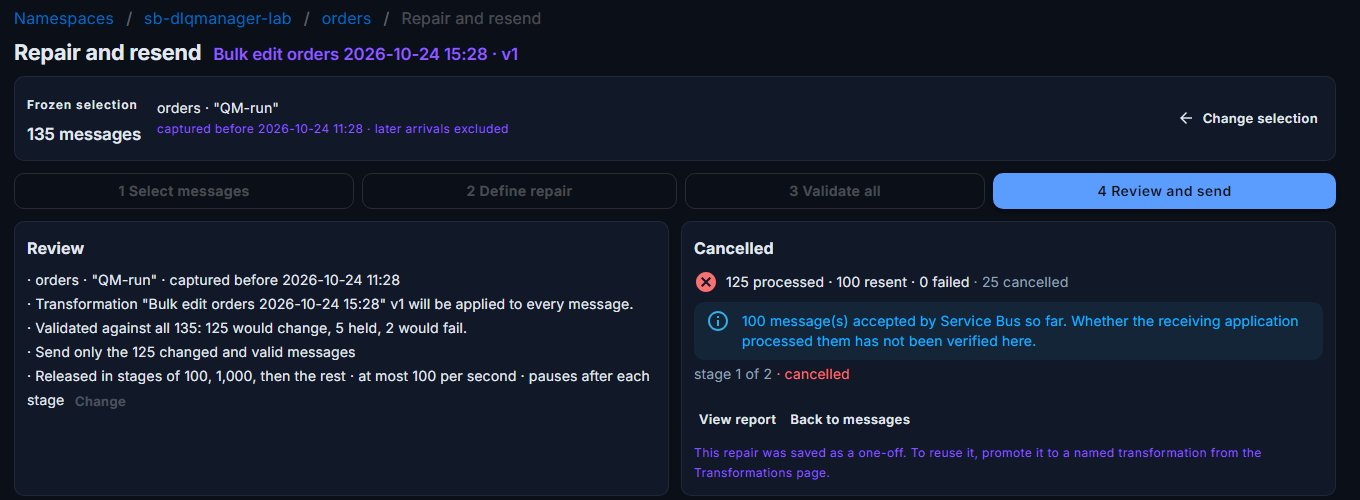
From the Messages page, filter the grid to the failure - the top failure cluster, the dead-letter reason, a label, a time range - or tick the rows you mean, and press Repair and resend. The workspace opens with that selection frozen at a captured-time cutoff, so the count you see is the count that will be validated and the count that will be released.
- Frozen selection. Filters, ticked ids and the cutoff are stamped on every step; "later arrivals excluded" is written on the card.
- The newest rows of the selection are shown so you know you are looking at the right population before you touch anything.